Dumpster Gang how to rescue captured teammates needs a second pair of hands: a captured raccoon is locked in a cage, and a teammate opens it with the interact key, E — but the demo makes you move extremely slowly while that interaction runs, and there is no way to cancel it.
Dumpster Gang how to rescue captured teammates: open the cage
- Find the cage with your teammate locked inside it.
- Stand next to it and press the interact key, E. That is the only way a caged raccoon gets out when you are playing in a group.
- Get clear once the interaction finishes. The raccoon comes out, but you are still standing next to an open cage in the open.
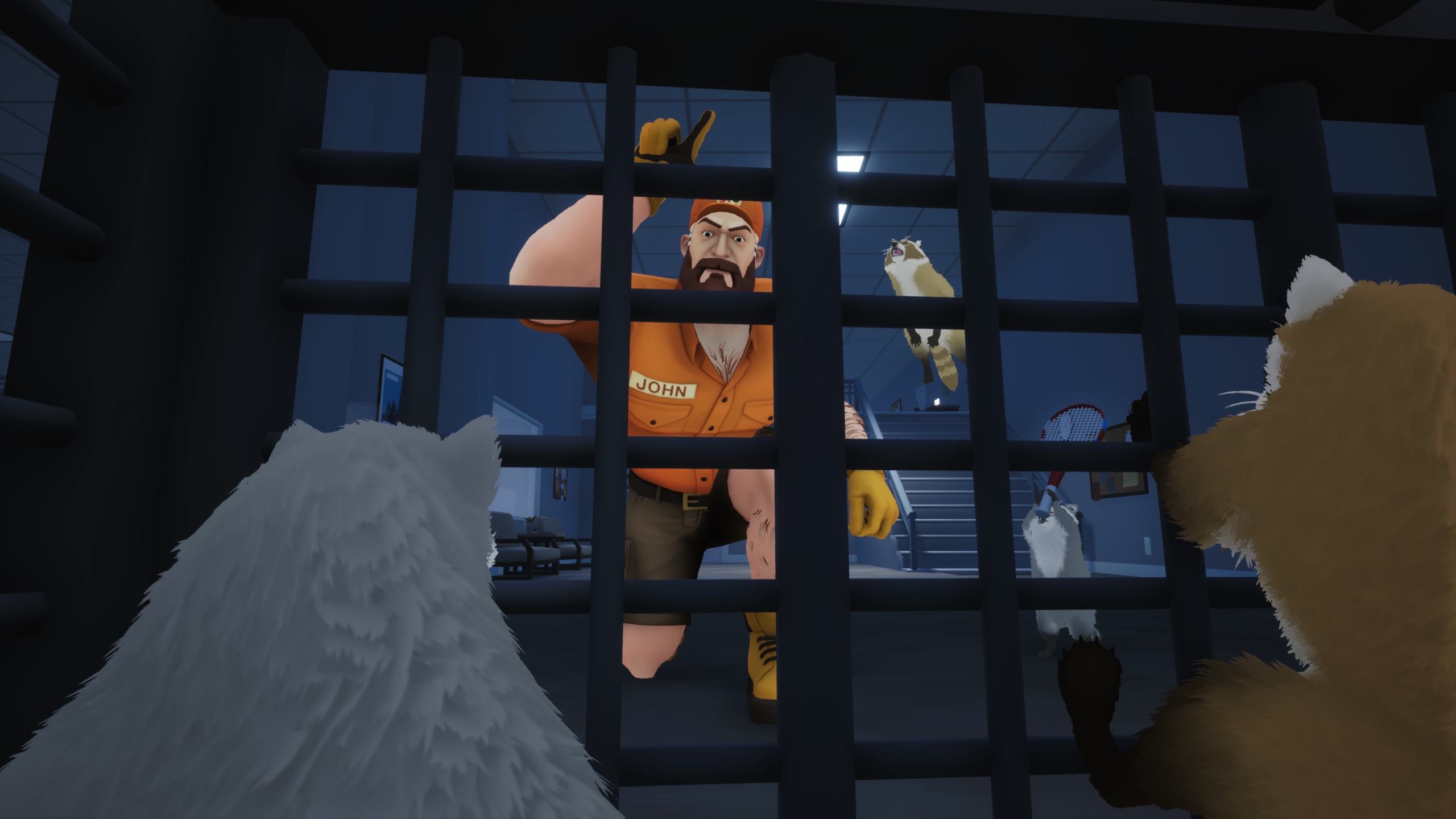
The demo bug that decides the rescue
While the cage-opening interaction is still active you move extremely slowly and cannot break out of it. If John arrives during the rescue you are caught while barely moving, and there is no separate button to cancel the interaction.
The developers have confirmed they have received this feedback several times during the demo, and that it is on their list to look into and address before the December 3 launch. Until then, treat the rescue as a job with a countdown: stun John first, or save the rescue for a moment when he is far away. The escape guide covers the stun that buys you the window.
In solo play there is nothing to rescue
In solo play the trapped raccoon can simply get out by itself, so there is no rescue mechanic to use on your own. A cage in a solo run is an inconvenience rather than a failed run.
If you have not played with others yet, the party and invites guide covers how the lobby works, how many raccoons can join, and what changes when there are more of you.