Inspect mode is where Clean Start actually happens. Click an object and the room fades, the object comes forward, and a panel shows its name and a short description. Dusting is done in that same view. This is the Clean Start inspect mode and dusting guide: what the screen shows, where the interactive elements hide, and which object answers each of the four words.
Clean Start inspect mode and dusting guide: what happens when you click an object
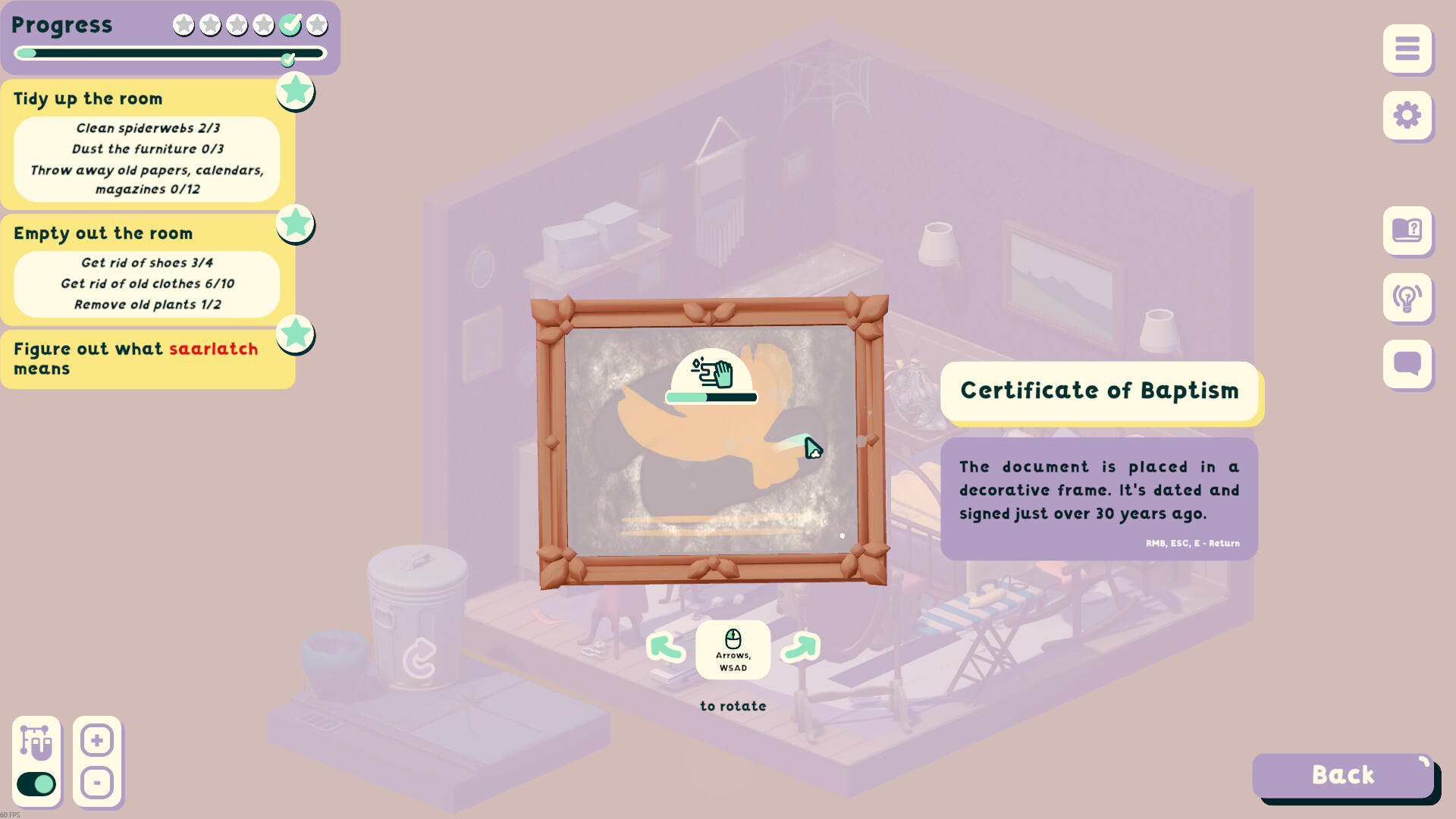
The panel gives you two things: the object's name and a sentence or two about it. The 'Maneki-neko' reads 'A maneki-neko figurine. Your son introduced you to them during his "samurai phase". In Japan, it is believed that they bring money and good luck.', and the framed 'Certificate of Baptism' in the father's room reads 'The document is placed in a decorative frame. It's dated and signed just over 30 years ago.' The prompts on that screen read 'RMB, ESC, E - Return' to leave and 'Arrows, WSAD - to rotate' the object in your hands.
The rule for finding things is short: look for interactive elements of this object while inspecting. Interactive elements are small hotspots inside an object, and the thing you are looking for is often inside another object rather than lying in the open.
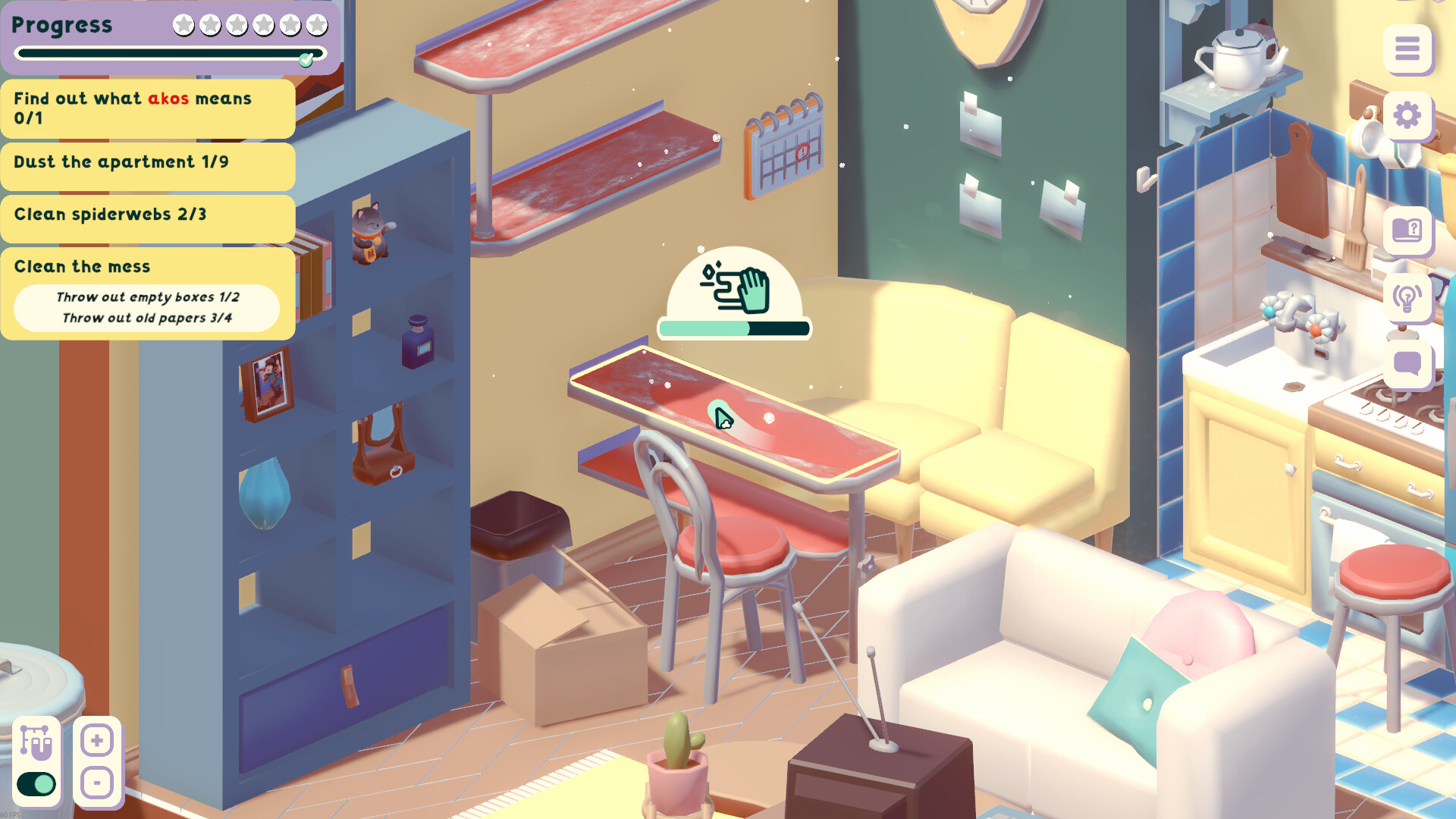
Dusting is a mechanic of its own, and it lives in inspect mode. It was one of the new mechanics added after the playtest feedback, alongside watering the plants. In the demo it has its own counters on the task list, separate from cleaning: 'Dust the furniture 0/3' in the father's room and 'Dust the apartment 0/9' in Mariko's. When you inspect a dusty object, a duster icon with a progress bar appears over it and the dust comes off as you work.
The hint control is the lightbulb on the right-hand side of the screen, next to the settings gear and the chat bubble. It highlights the object the current task is about — but for the word tasks you have to activate it while inspecting, not just while you are in the room.
The inspect mechanic itself was reworked during a playtest round, in the same update that reworked the interface and added saving and loading. If an object does not open the way you expect, the missing items guide has the order to work through.
The four words and what solves them
Each level hides one word of the local language, shown in red on the task list. Three of the four have known answers:
| Word | Room | What solves it |
|---|---|---|
| 'akos' | Mariko's room | The calendar — the hint keeps pointing at it, and it has to be inspected with the hint active |
| 'saarlatch' | Mr. Anderson's father's room | The book inside the suitcase under the cabinet |
| 'enforeatch' | The living-room level | Two objects: the yellow book lying on its side underneath something on the corner nook shelf, and the piggy bank in the side table |
| 'cecludatch' | Martin's dining room | Still unsolved — this is the one word in the game that has no known answer |
The places these objects hide, and the rest of the secrets in each room, are on the hidden items guide.