Arctic Drive fuel consumption is driven by two things: the engine you have fitted and what you are carrying on top of it. Every engine carries a fuel efficiency figure on its tooltip — the Old Car Engine is rated 0.6 km/l — and weight burns fuel faster, so the same tank of fuel covers fewer kilometres on a heavy run.
Arctic drive fuel consumption: what burns fuel
Everything below the vehicle burns fuel too, and each one is a line on the same bill:
- The engine. Fuel efficiency sits on the engine tooltip, and engine torque, max speed and fuel consumption were all rebalanced together during development. A heavy old engine that is durable and easy to overheat is also thirsty.
- The load. The store page puts it plainly: weight burns fuel faster. Adding load slows the car down, so the same tank of fuel covers fewer kilometres.
- A generator. Generators burn fuel on top of the vehicle. Generator fuel consumption was increased in one update and then reduced slightly in another, and the demo rebalanced loot so there is less excess fuel and oil in the world.
- A trailer. An attached trailer consumes a bit of fuel when attached, and crafting from a bench inside the trailer consumes fuel too. That second cost is covered in the trailer and mobile base guide.
Where fuel turns up
Fuel is scavenged rather than produced, and it is deliberately scarce. It is found in three places:
- Abandoned vehicles. The amount of fuel found in abandoned vehicles was reduced in an update, so a wreck is less of a guaranteed fuel stop.
- Gas stations. A gas station comes with fuel left lying around in jerry cans — the fuel is not in the pumps. You can throw jerry cans into the trunk, stack them with other cargo or load them into a trailer.
- Your own crafting. A 20 L jerry can recipe was added with the biomes update, so a can can also be made at a bench.
The scarcity is the design: a demo player asked for more opportunities to find fuel, and the developers' answer was that they want resources to stay scarce and the game to stay challenging. Fuel is also the reason the demo's fuel tooltips are clearer and colour-coded, so fuel types can be told apart at a glance. Finding the right piles is half the work, and the scavenging guide covers how to tell salvage worth taking from junk.
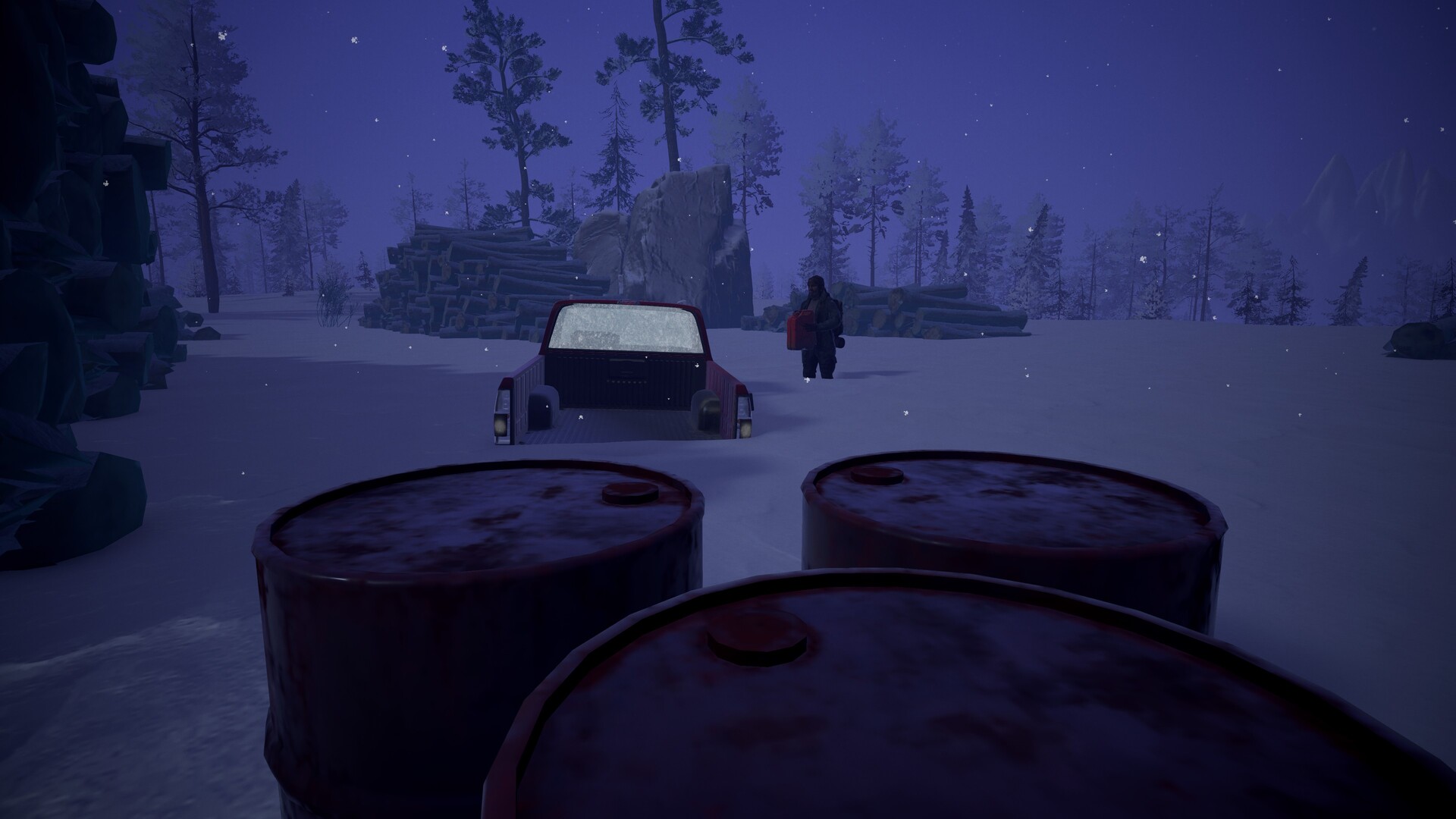
Jerry cans are your unit of range
A jerry can is the container you move fuel around in, and because fuel travels in cans, the can is the unit of range planning: you find a can, you load it, and you decide when to spend it.
Details that matter on the road:
- A loaded can is a physical object. It adds real weight, so a stack of them slows the car and burns more fuel. Range and speed trade against each other.
- Cans fit in the car. The demo patch fixed the jerry can so it fits in the trunk, so a full can can be carried inside the car rather than only in a trailer.
- The 20 L can is craftable. That gives you a way to standardise your fuel loads once you have the recipe unlocked.
How much a loaded trunk slows the rig down is covered in the cargo weight guide.
Keeping a fuel eye on the road
Three checks carry most of the trip:
- Read the engine's efficiency before you blame the world for a short range. A thirsty engine on a light load still burns fast.
- Load less than you think you need. Weight is the one cost you control every single kilometre.
- Top up where the cans are. Gas stations and wrecks are the only free fuel on the map, and the road between them is what your jerry cans have to cover.