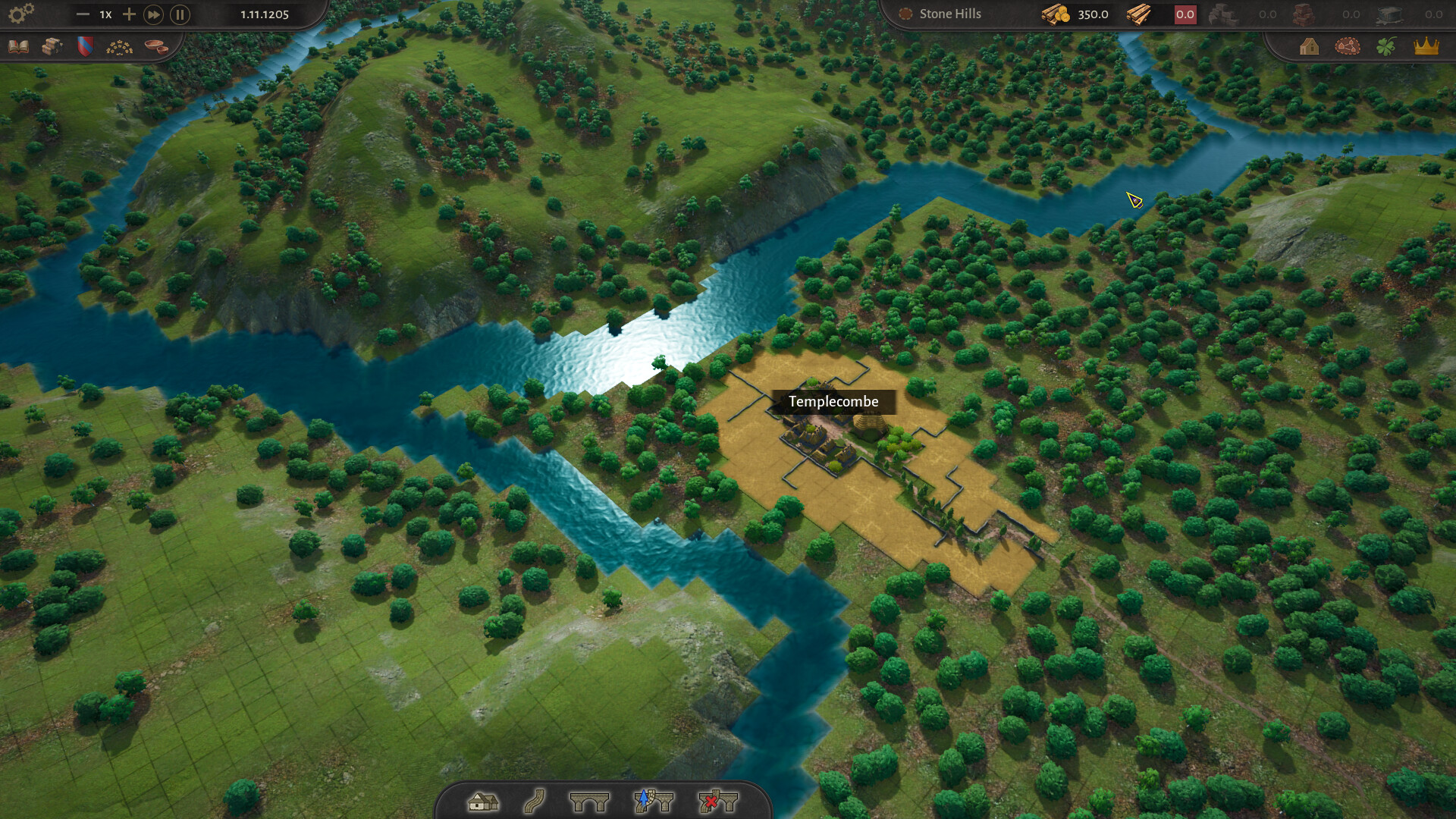
County of Fortune where to build settlements: put the settlement in the blue area where the resource you chose actually is, inside the circle, and check which way the river runs before you commit. The starting building you pick decides what the site has to provide, because the settlement is laid out around that building and only the deposits inside its area unlock the matching production buildings.
County of Fortune where to build settlements: the site rules
- The starting building sets the requirement. A food settlement needs fertile ground, a logging camp needs forest, a stone quarry needs stone, a clay pit needs clay. The production building cannot stand directly on the deposit, but it has to be inside the circle, and only part of the deposit needs to sit inside the settlement area for the matching building to unlock.
- Only part of the deposit has to be inside. You do not need the whole deposit, which is what makes the tight blue squares beside a deposit worth taking even when the deposit itself looks distant.
- River direction decides your shipping. Heavy goods can only be shipped downstream on rafts for now, so a site above the mouth of a river is worth more than the same site below it.
- The wider terrain decides what thrives. Resource deposits, biomes, climate, soil and elevation decide which crops, industries and products suit a plot. A salt works next to a mountain pass brings wealth; a city founded far from water strains the county.
If the placement preview refuses the position, look at the terrain and the circle boundaries rather than at the resource icons — a refusal means the ground there is not buildable. In the tutorial, a recommended starting position guarantees a clay pit downstream of you. And if the site only turns out to be wrong after you have built, moving a settlement is free, so a bad early click costs you nothing.
What the placement window tells you before you commit
The placement window shows the Location properties of the site you are hovering.
- Maximal level — the highest settlement level your buildable area supports. This is the number that decides whether the site can ever grow past a village.
- Coastal tiles — how many tiles are available for coastal buildings, which decides how many coastal buildings the settlement can support.
- A refusal — the site can be refused outright, which in practice means the terrain is not buildable.
One trap catches people out: you can have a stone deposit in plain sight and still be unable to place a stone quarry anywhere near it, because the quarry has to go into the small blue squares beside the deposit and those squares are hemmed in by other circles.
Deposits and what each colour means
Deposits are colour-coded on the map, and clicking one tells you what it is and what it produces.
| Colour | Deposit | Status |
|---|---|---|
| Yellow | Sand | Unused in the demo, planned for a glass production line |
| Orange-ish | Clay | In use — pottery and the clay chain |
| Grey | Stone or iron ore | Stone is in use; iron is unused in the demo |
Because the deposit type decides which production chain your settlement can join, production chains is worth reading before you commit to a site.
When you land in the wrong region
Settlements belong to regions, and a region has both a range and a cap on how many settlements it can hold. The region panel shows the current count against that cap and how many more a level up would add. Manual region placement is not planned, so regions are assigned for you and there is no control to reassign a settlement by hand — if a settlement lands in a region you did not intend, the fix is to move the settlement, and moving a settlement costs nothing. If what you really want is for the village not to be there at all, deleting a settlement explains why that is not possible and what you can do instead.